See how your link looks on WhatsApp, LinkedIn, X and Facebook before sharing
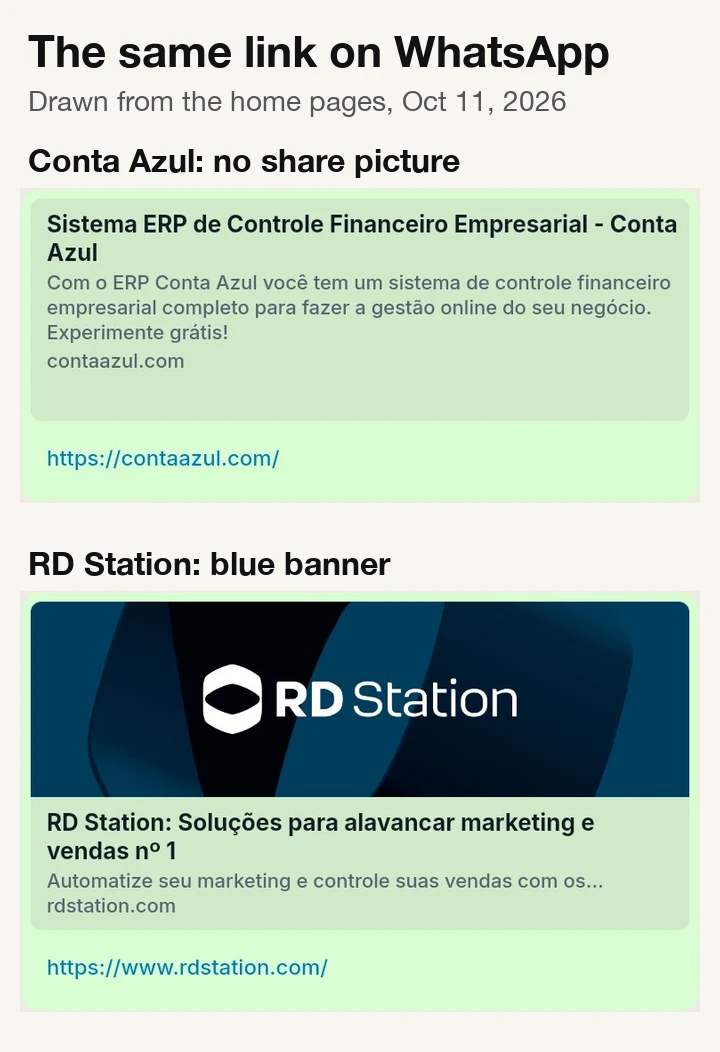
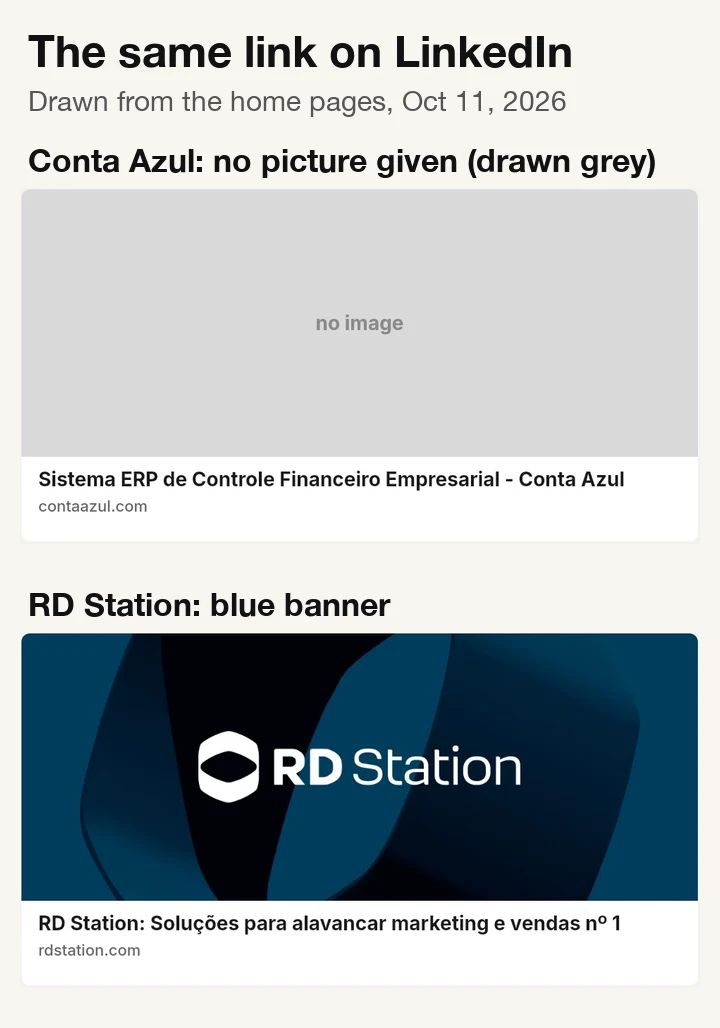
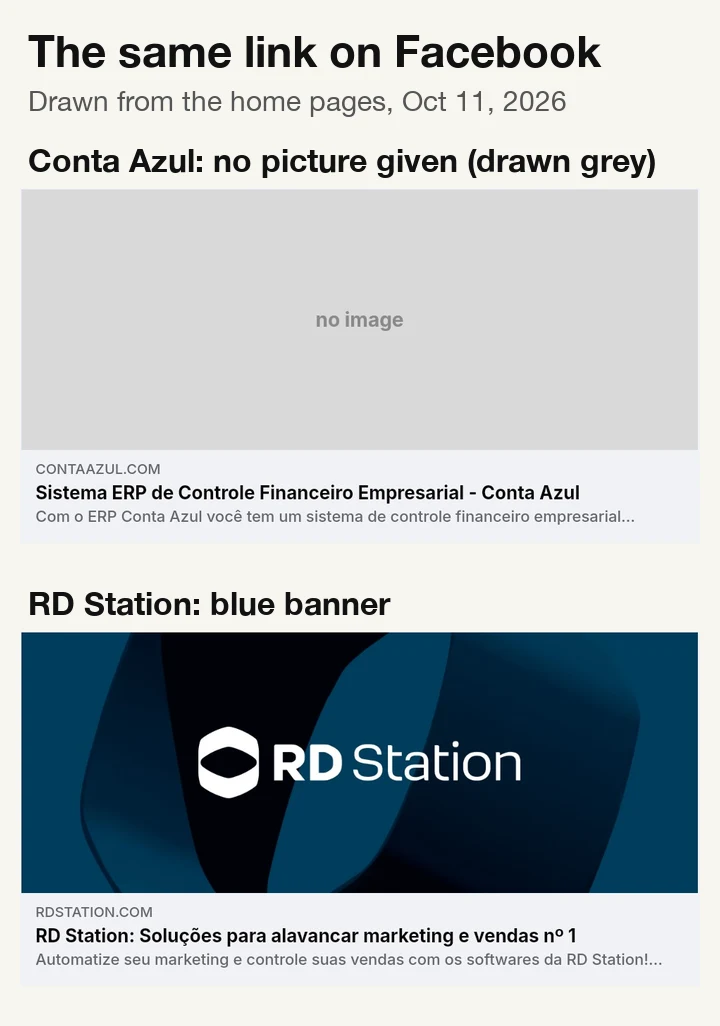
Conta Azul's home page gives none of the four apps a picture, so its link shows up as plain text or with whatever picture the app guesses.
Give it a page. You get the card each app draws when someone shares the link: the picture, the title and where each app cuts the text, plus what to fix before your campaign goes out.
Before we send the newsletter, show me how https://contaazul.com/ looks when shared on WhatsApp, LinkedIn, X and Facebook, and compare it with https://www.rdstation.com/.
What you get
- The card each app shows for your link: WhatsApp, LinkedIn, X and Facebook, drawn the way each app lays it out
- Whether the share picture loads, and whether its size and shape suit each app
- Where each app cuts your title and description
- What to fix first, in plain words, and a score to compare pages
A real run
Checked Oct 11, 2026, on the public home pages of Conta Azul and RD Station (Conta Azul also had no share picture in our Oct 10 check). Pages change. Brands are examples; not affiliated.
Conta Azul's home page gives none of the four apps a picture, so its link shows up as plain text or with whatever picture the app guesses.
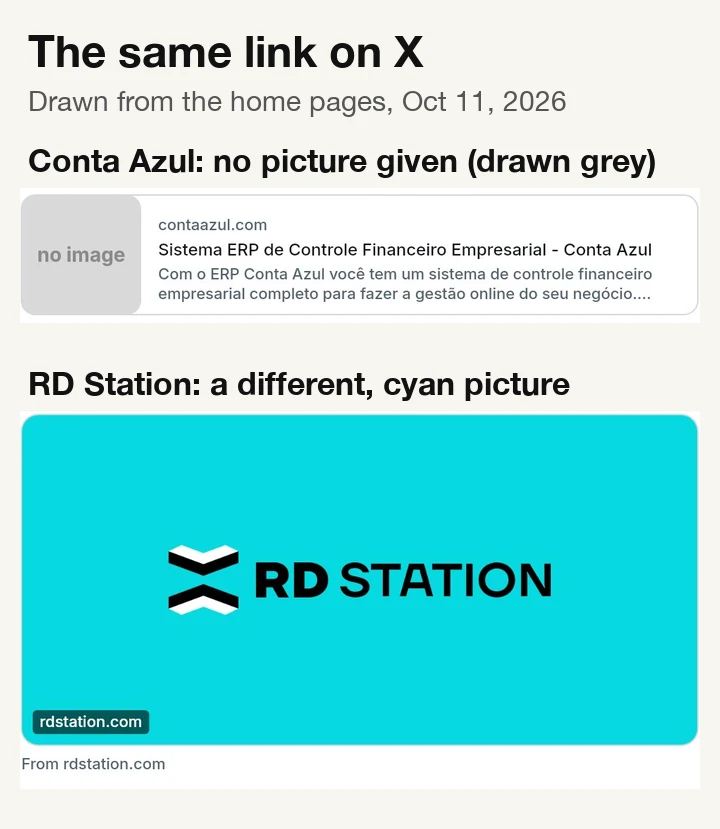
RD Station's link shows one picture on X and a different one everywhere else.
Conta Azul: the title "Sistema ERP de Controle Financeiro Empresarial - Conta Azul" fits on every card; X and Facebook cut the description. Score 80 out of 100.
RD Station: WhatsApp, LinkedIn and Facebook get a blue banner; X gets a separate cyan logo card. WhatsApp and Facebook cut the description, and the banner has no description for screen readers. Score 94 out of 100.
What you do with it: a link with a picture stands out in a feed or a newsletter, a plain one less so. Give every page you plan to share one wide picture (1200×630), use the same one for X unless you mean otherwise, and check the cards before the campaign goes out.
What to fix
Fixes from the run
- Conta AzulAdd a wide share picture, so apps no longer show the link without one.Today none of the four apps gets a picture: the link shows up as plain text or with whatever picture the app guesses · contaazul.com
- RD StationUse the same picture for X, and describe it for screen readers.X gets a cyan logo card; the other apps get the blue banner · rdstation.com
How it works
Your AI assistant does these steps for you. Our run was free, and there is nothing to install or configure.
Reads the share details of your page
The title, description and picture the page gives to apps.
Loads the share picture and checks each app's rules
Size, shape and file size against WhatsApp, LinkedIn, X and Facebook.
Draws the four cards and lists the fixes
So you see the link before your audience does.
Questions
Where does the data come from?
From your public page itself: the share title, description and picture it gives to apps, read at the moment you ask.
How accurate is it?
The title, description and pictures are read from your page exactly as the apps receive them. The cards are drawings that follow each app’s current layout, not screenshots from the apps; when a page has no share picture, some apps may pick another image from the page or show none. The drawings leave out emoji, such as the flag at the end of RD Station’s title.
What does the score mean?
It starts at 100 and loses points for each problem: 20 for a serious one (such as no share picture), 8 for a medium one, 3 for a minor one. Fix the serious ones first.
What does it cost?
Nothing; it is free. New accounts also get $5 to try the paid use cases.
Will the site owner know?
They see one ordinary visit to the page and its picture.
How often should I run it?
Before every campaign, newsletter or launch post, and after any change to the page. Ask your AI assistant to check each link before it goes out.
I fixed the page and WhatsApp still shows the old card.
Apps keep previews for a while. They refresh on their own, or when you use their own preview tools.
What if it finds nothing to fix?
Your cards are in good shape on all four apps; check again after you change the page or its picture.
More marketing use cases
Watch your competitors' email offers
See the discount your competitor emails new subscribers, without using your own inbox.
Get three Facebook and Instagram ad ideas from your competitors' ads
Poppi mentions prebiotics in 20 of the 30 ads Meta shows first; none of those 30 explain it. There is your opening.
Get three TikTok ad ideas from this week's most-liked videos in your niche
Among this week's most-liked protein snack videos on TikTok, the 14 how-to videos got saved six times as often as the other 7.
For developers · tools, inputs and run IDs behind this example
{
  "tool": "sharepreview.check",
  "input": {
    "url": "https://contaazul.com/"
  }
}
{
"tool": "sharepreview.check",
"input": {
"url": "https://contaazul.com/"
}
}{
"tool": "sharepreview.check",
"input": {
"url": "https://www.rdstation.com/"
}
}Run IDs: run_d2RdT4YHAKTRFg, run_bD8zePbnYE3E5A · observed charge $0