See what your marketing email shows when pictures don't load, before you send it
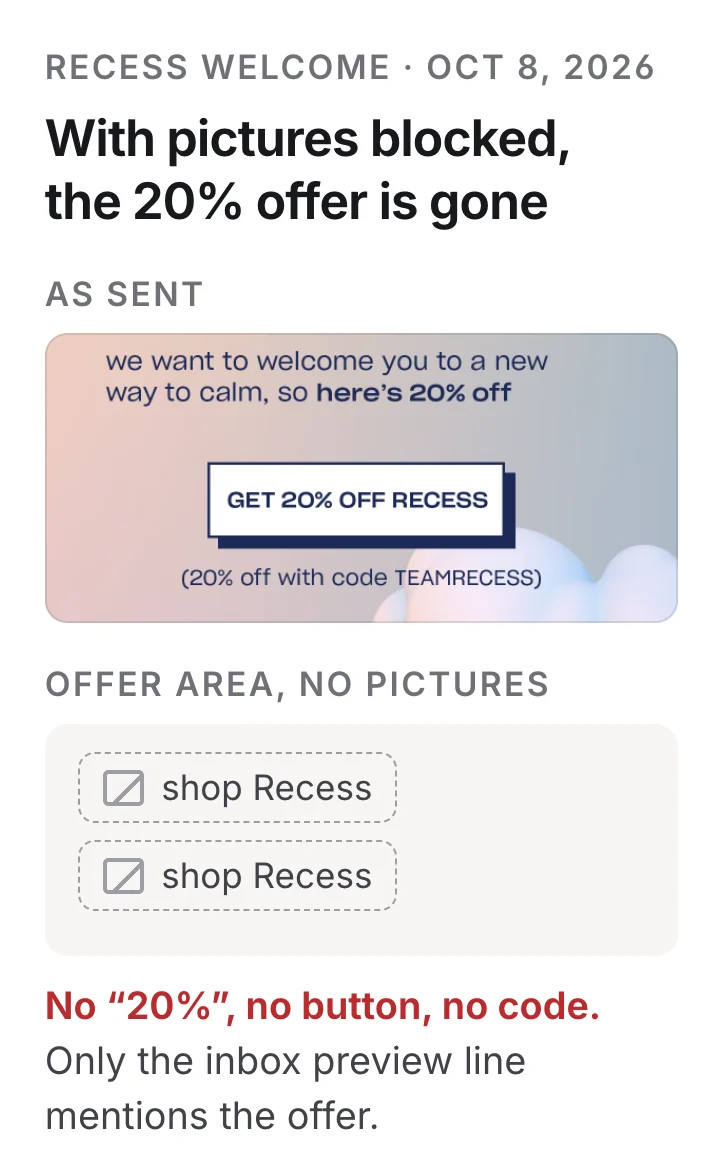
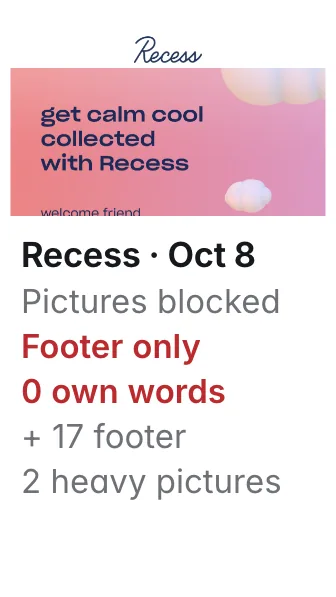
With pictures blocked, Recess's welcome email never says 20% off inside the email: the offer, the button and the code TEAMRECESS are all pictures.
Give it the email you are about to send. You learn what readers see when their email app blocks pictures, which links break, which pictures are too heavy, and whether the unsubscribe link and campaign tags are in place.
Before we send our next newsletter, check it: what readers see if their email app blocks pictures, whether every link works and carries our campaign tags, which pictures are too heavy, and whether the unsubscribe link is there. To show me how it works, check the six emails Poppi, Recess and Zevia sent from Oct 8 to Oct 11, 2026.
What you get
- What your email says with pictures blocked: the words of your own message left, apart from the footer, and the label readers see in place of each picture
- Every link opened and followed to where it lands, with any that break
- Pictures over 500 KB, which load slowly on mobile data
- Whether the unsubscribe link, the inbox preview line and your campaign tags are in place
A real run
Checked Oct 12, 2026, on the six marketing emails Poppi, Recess and Zevia sent our test inbox from Oct 8 to Oct 11, 2026, as received. Pictures-blocked views are our rendering of each email. Brands are examples; not affiliated.
With pictures blocked, nothing inside Recess's welcome email shows its offer: “here's 20% off”, the GET 20% OFF RECESS button and the code TEAMRECESS are all pictures.
What is left is seven picture labels, among them “shop Recess” twice, and the footer. Those two links carry the code to the shop, but nothing tells the reader; “20% off” appears only in the inbox preview line.
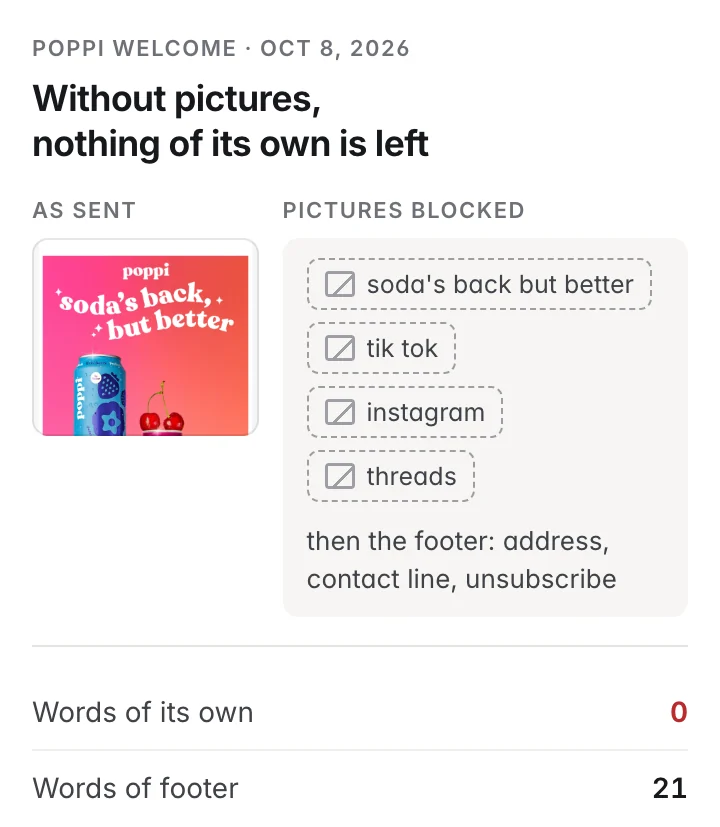
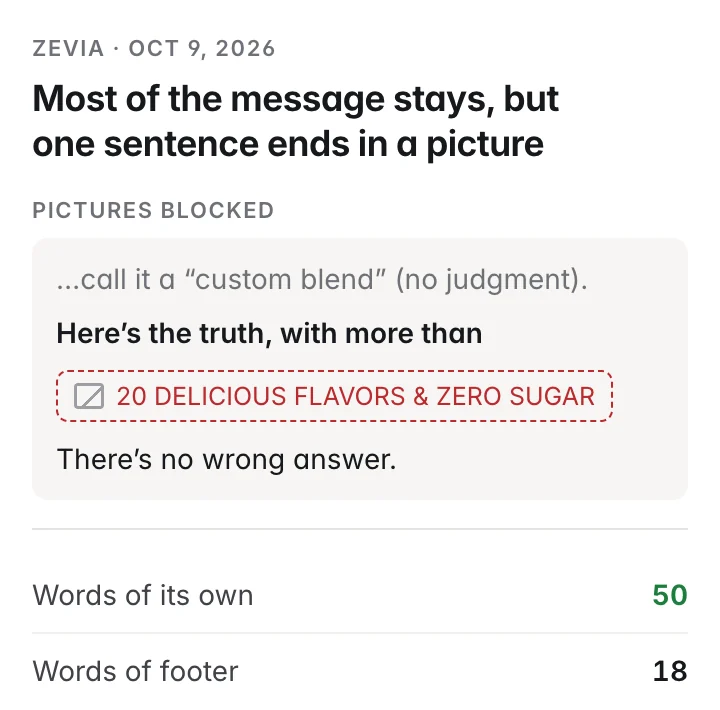
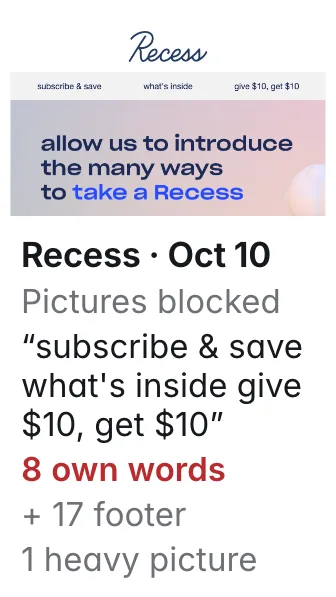
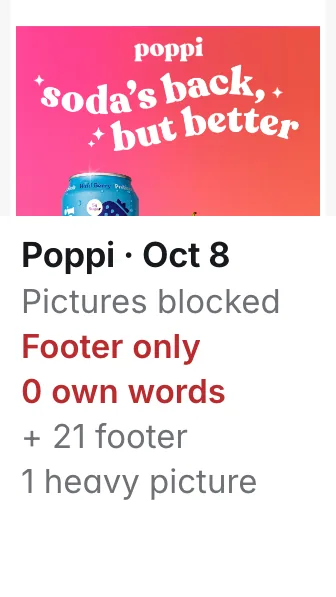
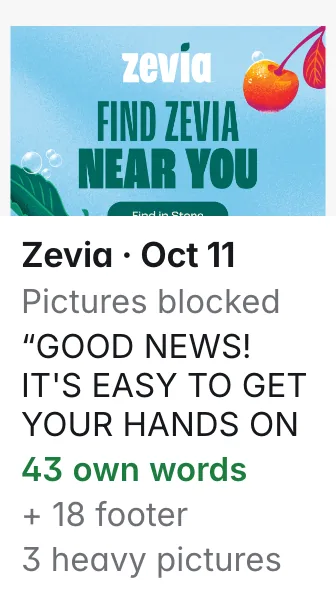
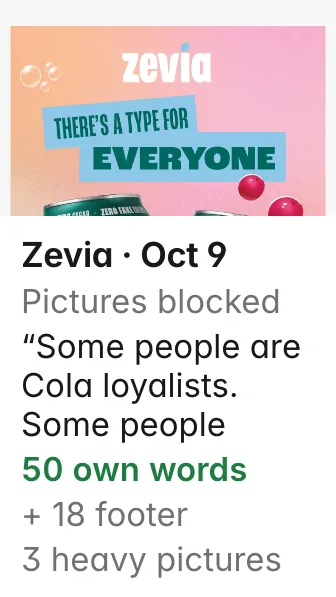
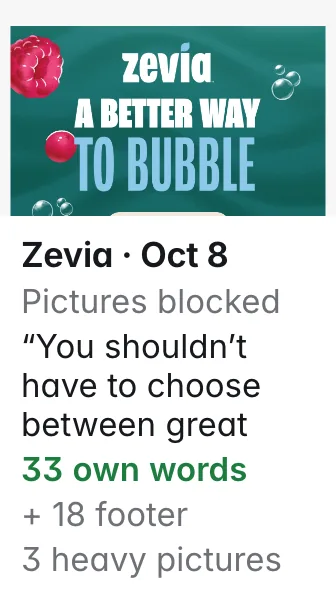
Counting real text only, Recess's welcome has 17 words and Poppi's 21, and every one is footer (address, contact line, unsubscribe): without pictures, neither welcome says anything of its own. Recess's Oct 10 email keeps 8 words of its own (“subscribe & save”, “give $10, get $10”), and its “get 10% off Recess” offer is again only a picture. Zevia's three keep 33 to 50 words of message and mostly read without pictures, but the Oct 9 email breaks off mid-sentence: “Here's the truth, with more than” and then a picture that says “20 delicious flavors & zero sugar”.
13 pictures across the six weigh over 500 KB; Poppi's opening picture alone is 4.2 MB, slow on mobile data.
Links: 42 opened and reached their page, none broken. 9 links to Instagram and Facebook could not be checked, because those sites refuse automated visits. All six have an unsubscribe link, and every link to the brand's own site carries campaign tags.
What you do with it: before you send, write the offer, the button text and any code as real text, not only in pictures; shrink pictures over 500 KB; open the social links once by hand.
Four fixes from the check
Fix before you send
- RecessOct 8 welcome: write the 20% offer, the button text and the code TEAMRECESS as real text.Today all three are pictures; the links still apply the code · takearecess.com
- PoppiShrink the 4.2 MB opening picture and add a line of real text.With pictures blocked, its 21 words of real text are all footer · drinkpoppi.com
- RecessOct 10: put “get 10% off Recess” in real text beside the 8 words that already show.Today that offer is only a picture · takearecess.com
- ZeviaShrink three pictures over 500 KB and finish the sentence “Here's the truth, with more than…” in real text.Oct 9 email: 50 words of message with pictures blocked; one sentence ends in a picture · zevia.com
The six emails checked
How it works
Your AI assistant does these steps for you. Our run was free, and there is nothing to install or configure.
Reads the email the way an email app does
Counts the words of real text that stay when pictures are blocked and finds the inbox preview line.
Opens every link and picture
Follows each link to where it lands and measures each picture; unsubscribe links are listed but never opened.
Lists what to fix, most serious first
With a score out of 100 to compare emails: Zevia's scored 86 to 89, Recess's 63 and 66, Poppi's 49. The score starts at 100 and drops for each problem found, most for serious ones; Poppi's is also lowered by its sender settings, which fail a standard check some inboxes use against spam.
Questions
Do email apps really block pictures?
Some do by default. Classic Outlook, common at work, doesn't download pictures until the reader allows it (Microsoft support, checked Oct 12, 2026), and Outlook on phones can be set to block them. Gmail and Apple Mail usually show them.
Where did these emails come from?
We signed a test inbox up to Poppi's, Recess's and Zevia's newsletters on Oct 8, 2026. These are the six marketing emails they sent from Oct 8 to Oct 11; sign-up confirmations are left out. For your own email, give your AI assistant the email itself or its "view in browser" link.
How accurate is it?
It counts words and opens links and pictures exactly as they are in the email, at the moment you check; nothing is judged by AI. Word counts are real text only; picture labels and the hidden preview line are not counted. The pictures-blocked views here are our rendering; each email app draws them a little differently.
Does checking a sent email count as clicks, or unsubscribe anyone?
It never opens unsubscribe links. It does open the other links once, so a sender's tracking may record a click; check your own email before you send it, or use the "view in browser" copy.
Why can't it check Instagram and Facebook links?
Those sites refuse automated visits, so the check marks those links to be opened once by hand instead of calling them broken.
What if it finds nothing to fix?
Your email reads without pictures, its links work and its pictures are light; send it.
What does it cost?
Nothing; it is free. New accounts also get $5 to try the paid use cases.
How often should I run it?
Before every send, and again after any last-minute change.
More marketing use cases
Watch your competitors' email offers
See the discount your competitor emails new subscribers, without using your own inbox.
Get three Facebook and Instagram ad ideas from your competitors' ads
Poppi mentions prebiotics in 20 of the 30 ads Meta shows first; none of those 30 explain it. There is your opening.
Get three TikTok ad ideas from this week's most-liked videos in your niche
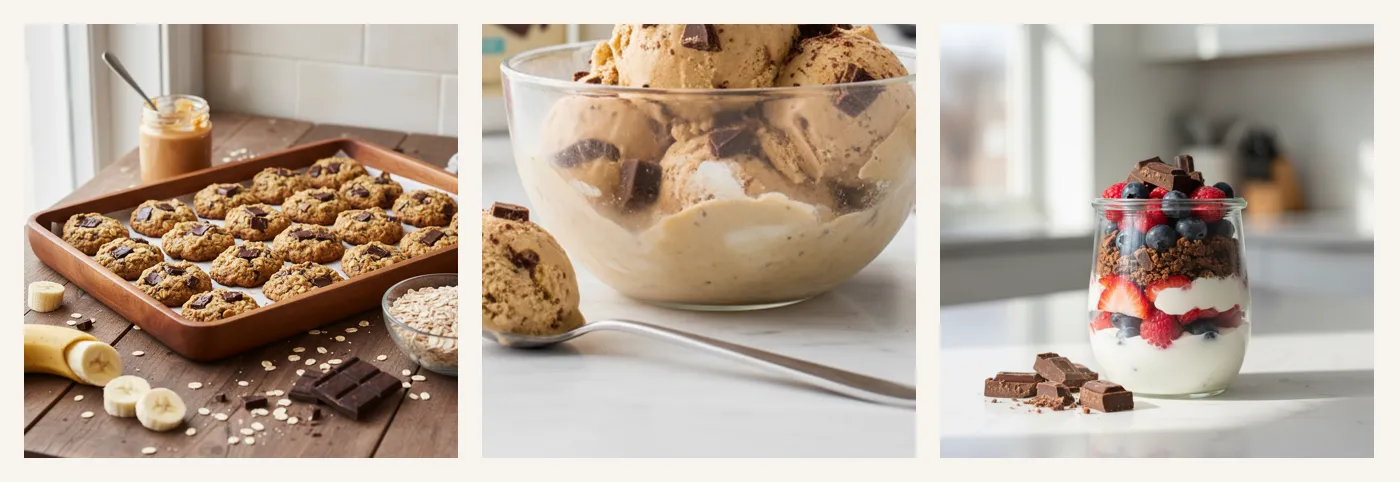
Among this week's most-liked protein snack videos on TikTok, the 14 how-to videos got saved six times as often as the other 7.
For developers · tools, inputs and run IDs behind this example
{
  "tool": "emailcheck.preflight",
  "input": {
    "html": "(the email HTML)",
    "from_domain": "takearecess.com"
  }
}
{
"tool": "emailcheck.preflight",
"input": {
"html": "(the email HTML)"
}
}{
"tool": "emailcheck.preflight",
"input": {
"html": "(the email HTML)"
}
}Run IDs: run_I_EU4IGBgBMINw, run_1gqOVELdm7LiPg, run_aZsF9Pbo4D9hSg, run_FBAEpSiZjcLJ6A, run_HoGyqFciI1clOg, run_KP71qmfQLv5Dew · observed charge $0